
Bring it in
Drag in PDFs, photos and scans, emails saved from Mail, or whole folders. Scan pages with your iPhone or iPad, have Podrick Docs watch a folder, or connect your own mailbox to bring in the bills that arrive by email.
Podrick Docs reads your bills, receipts, statements and letters with AI that runs entirely on your Mac, and keeps them in an encrypted library that only you can open. Nothing you import is ever uploaded.
Requires a Mac with Apple silicon and 64 GB of memory or more.
macOS 26 or later. The AI models (about 35 GB, or 94 GB on a 128 GB Mac) download once from Apple, after the app shows you the size. Why 64 GB?

Follow September’s paperwork through the app, from the pile on your desk to a library only you can open.
Drag in PDFs, photos and scans, emails saved from Mail, or whole folders. Scan pages with your iPhone or iPad, have Podrick Docs watch a folder, or connect your own mailbox to bring in the bills that arrive by email.
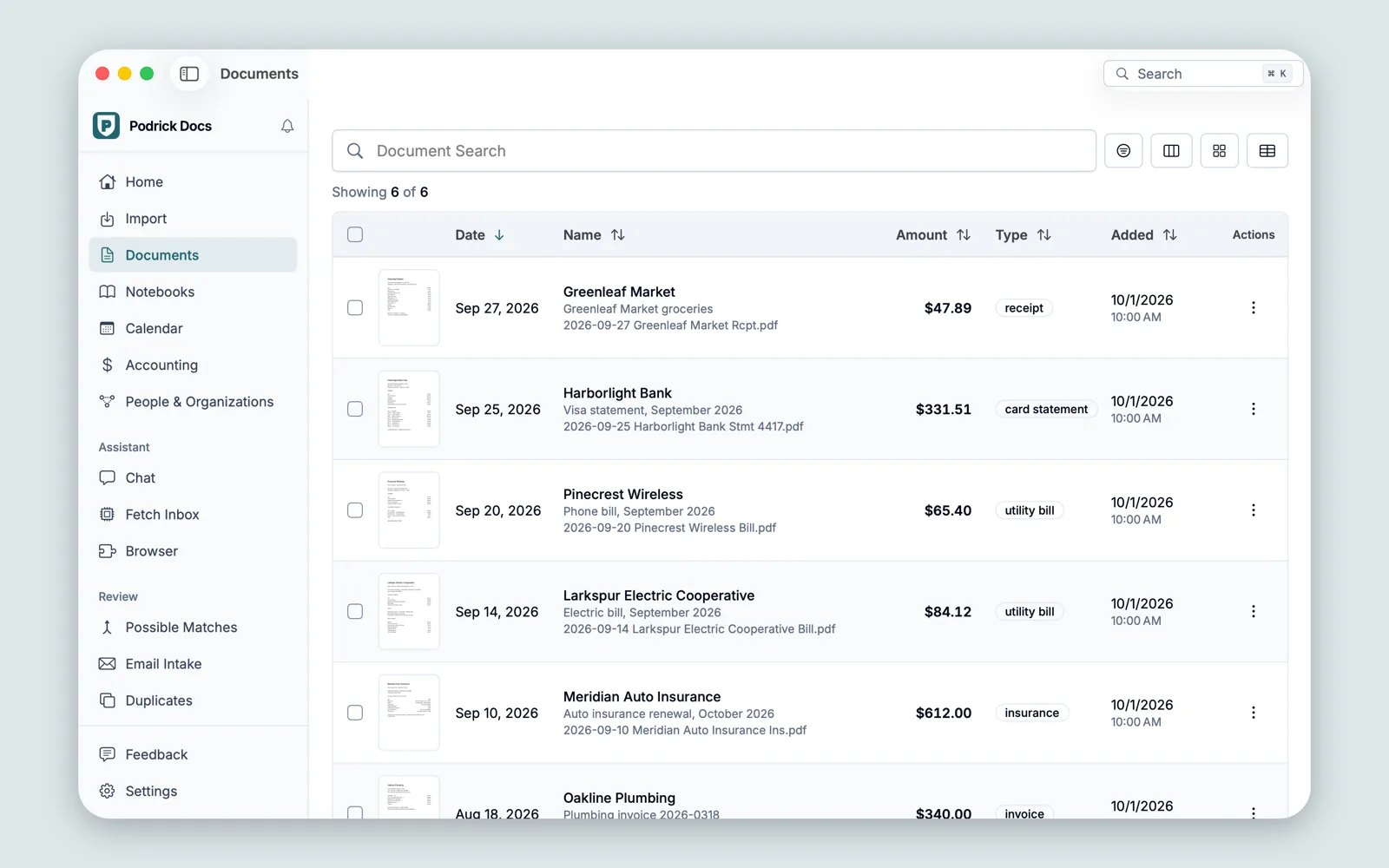
The AI models on your Mac read every page, even handwritten ones, and fill in a card for each document: a short summary, who issued it, its date, its total and its transactions. Then search finds every word of every document.
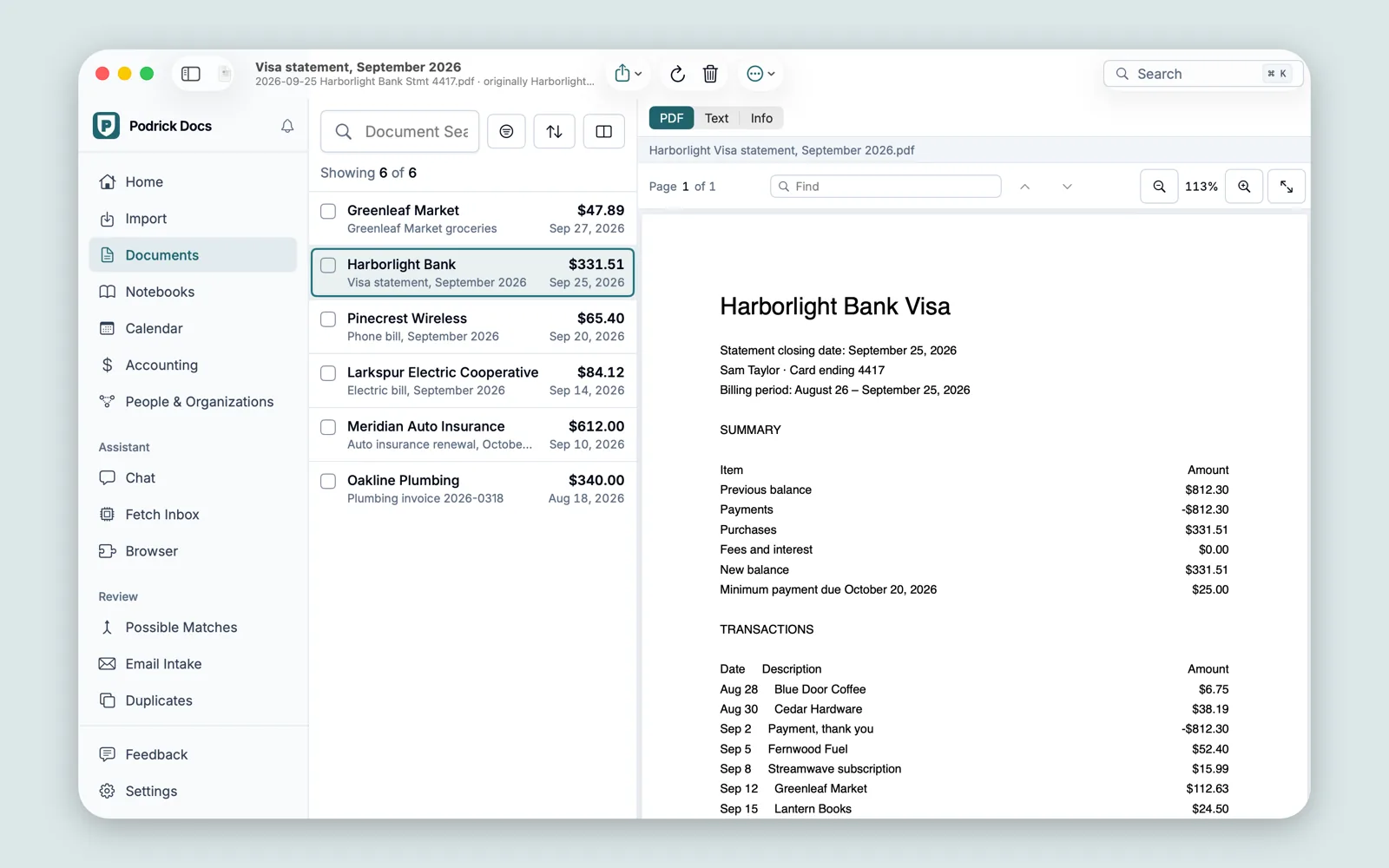
Every due date printed on a bill becomes an event, completed automatically when a matching payment shows up. You get a reminder before each bill is due.
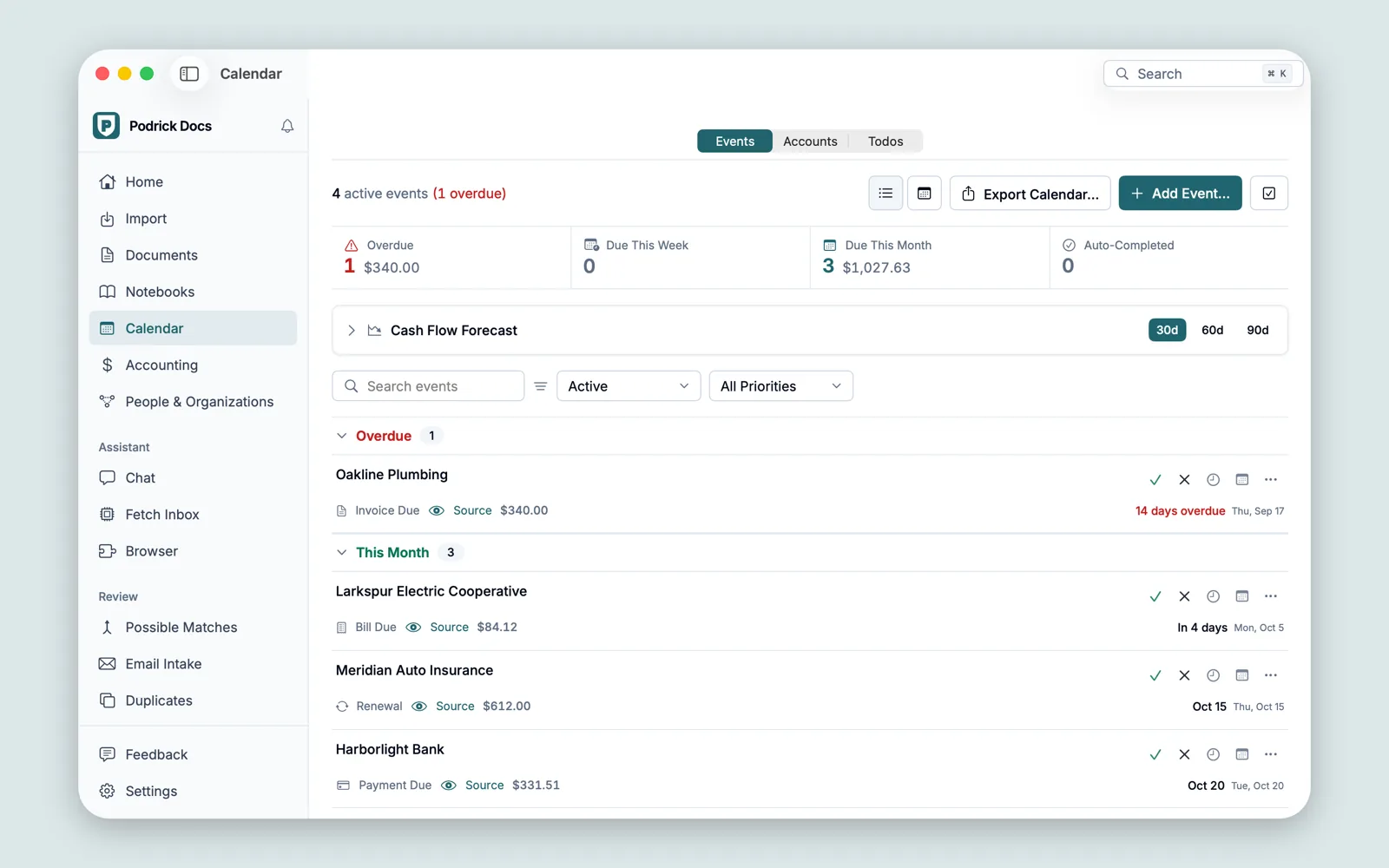
The companies that bill you are listed with what’s due next. Accounting adds categorized spending, budgets, reports and bank CSV import.
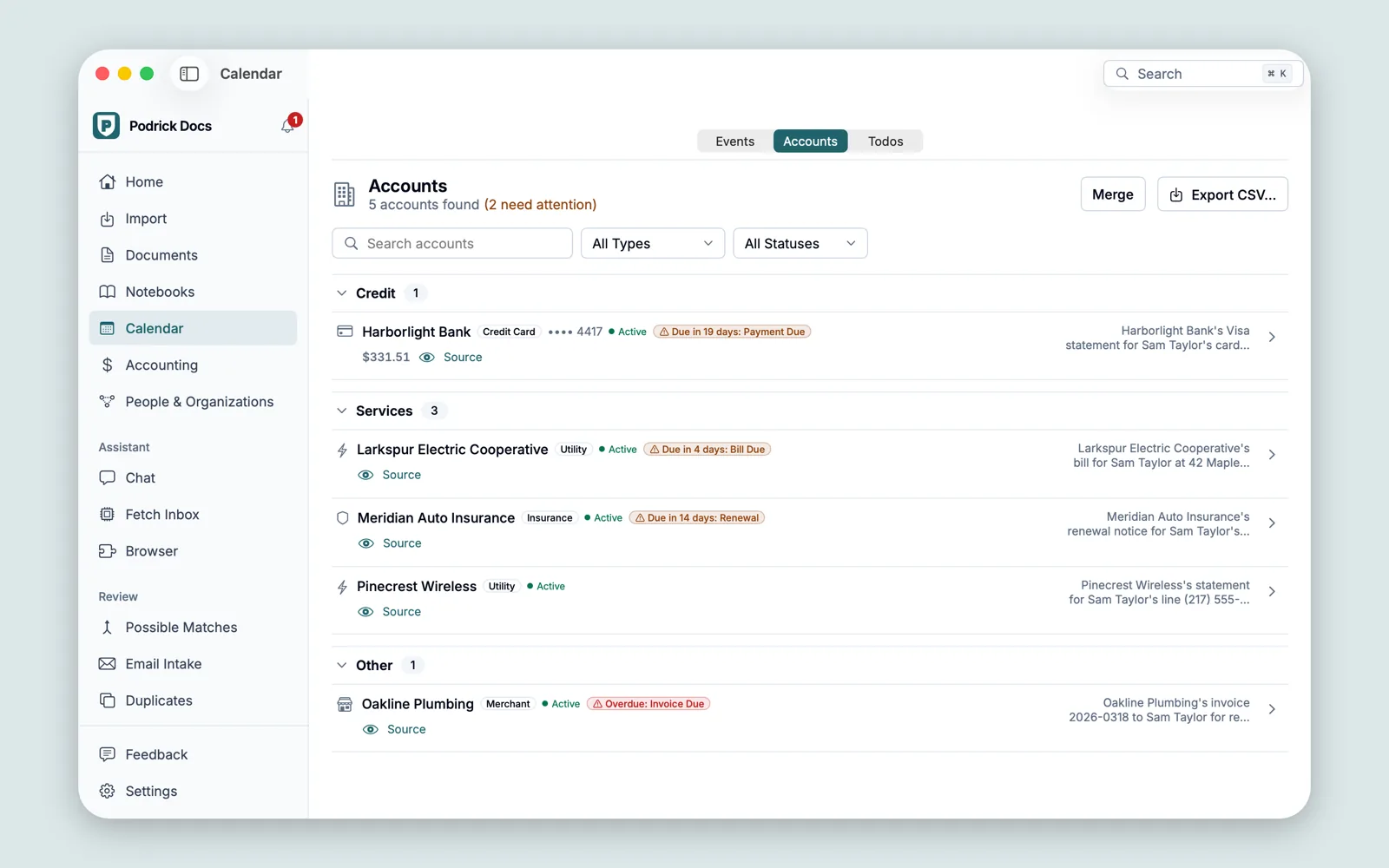
The library is encrypted. Only your password, your recovery key or your Touch ID opens it, and it locks when your Mac sleeps, when the screen locks, or after the idle time you choose.
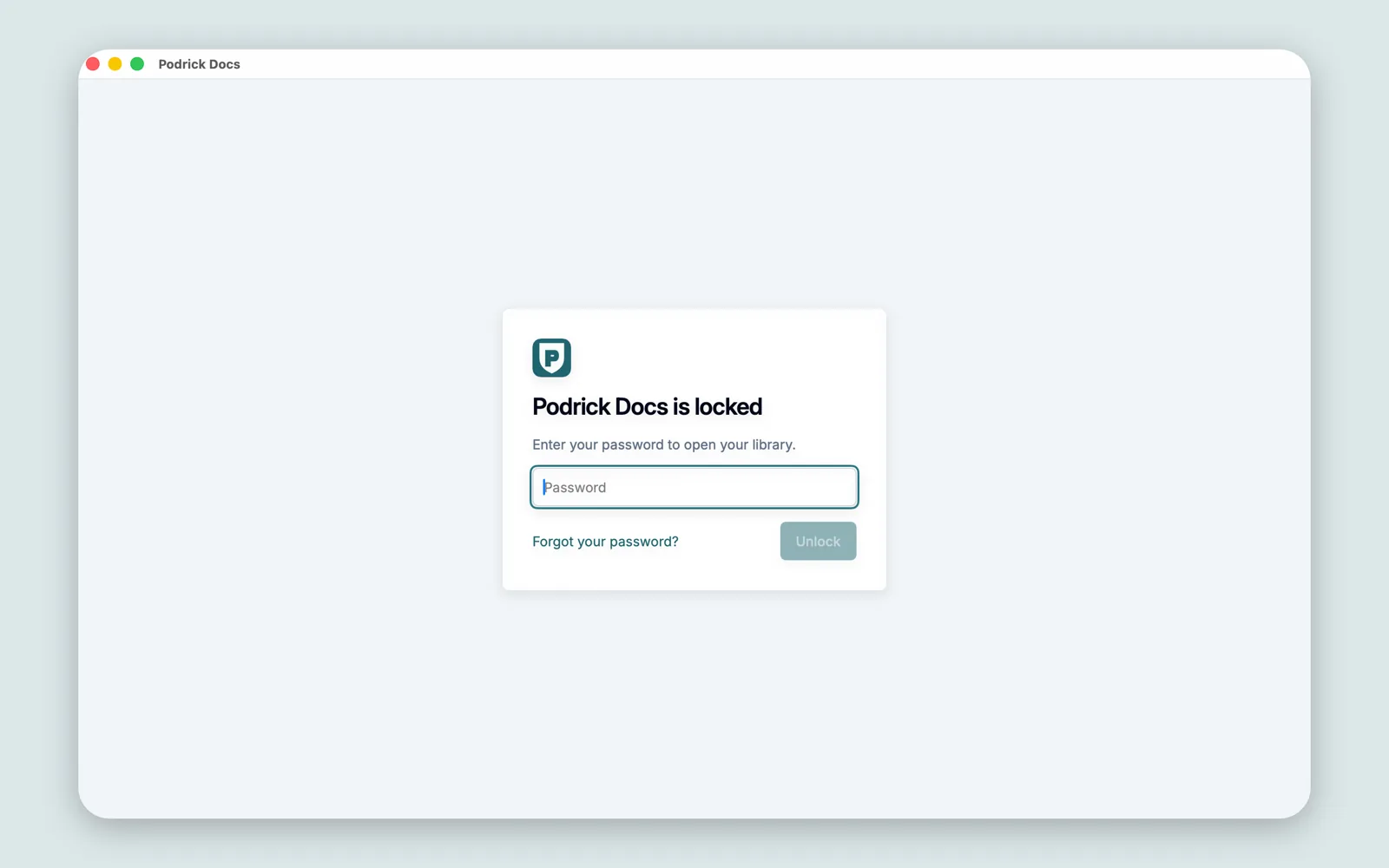
The AI models run on your Mac, in parts of the app that have no network access. There’s no account, no server of ours and no tracking. On the App Store, the privacy label is “Data Not Collected”.
The privacy policy lists every connection the app makes, and why.
Podrick Docs is free to download. Importing documents, Chat, Notebooks, AI Insights and archive copies need the yearly plan, and new subscribers get a two-week free trial. The price is shown in the app and on the App Store.
Each paid year unlocks every feature released by its end, and you keep them: stop paying and Podrick Docs keeps working with those features and still gets fixes. Your library always stays readable.
The whole AI runs on your Mac, which is why nothing has to leave it. Running it there takes 64 GB of memory. With 128 GB or more you get a large model (about 94 GB to download). With 64 or 96 GB you get a smaller one (about 35 GB), which is slower and less accurate: in our tests it imported the same documents 2.3 times slower and answered 19 of 24 test questions right, against 24. On a Mac with less than 64 GB, the app says so when it opens and does nothing else.
Nothing you import. The app connects to Apple to download the AI models and for your subscription. If you use those features, it also connects to your own mail server and to the sites you open in its browser. Time-stamp services receive only a fingerprint (a hash) of your library’s history, never your documents, and you can turn them off.
You keep every feature released by the end of your last paid year, and your library always stays readable.
Yes, once the AI models have downloaded.
PDFs, photos and scans (JPEG, PNG, HEIC, TIFF), and emails saved from Mail.
No. Podrick Docs organizes your records, and its AI runs on your Mac and can be wrong. Podrick Docs is not a tax, financial or legal advisor, and it never moves money.
More answers, and how to reach us, on the support page.

Requires a Mac with Apple silicon and 64 GB of memory or more, and macOS 26 or later.